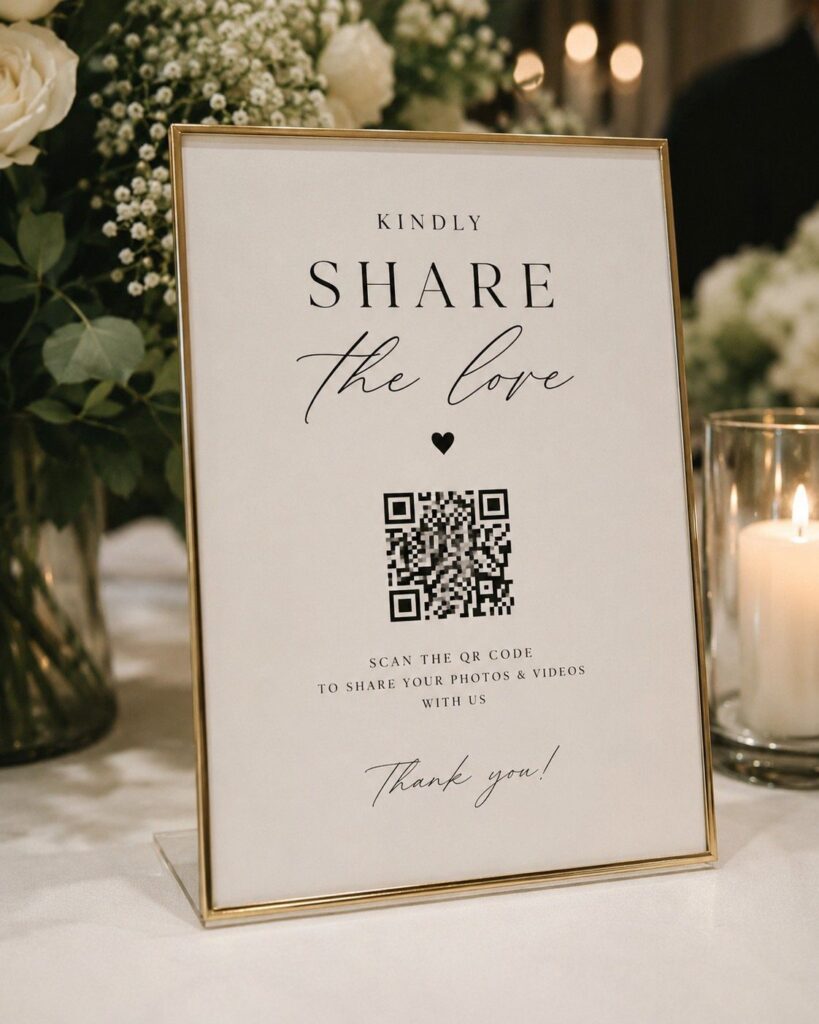
Of the 4 methods below, a printed QR card costs the least, while a video kiosk and printed display panels need real room in the budget; the best fit is whichever asks the least of your guests.
If hearing voices years from now matters more to you than collecting photos, the Digital Guestbook wins, especially with video messages.
1. QR Codes on Table Cards
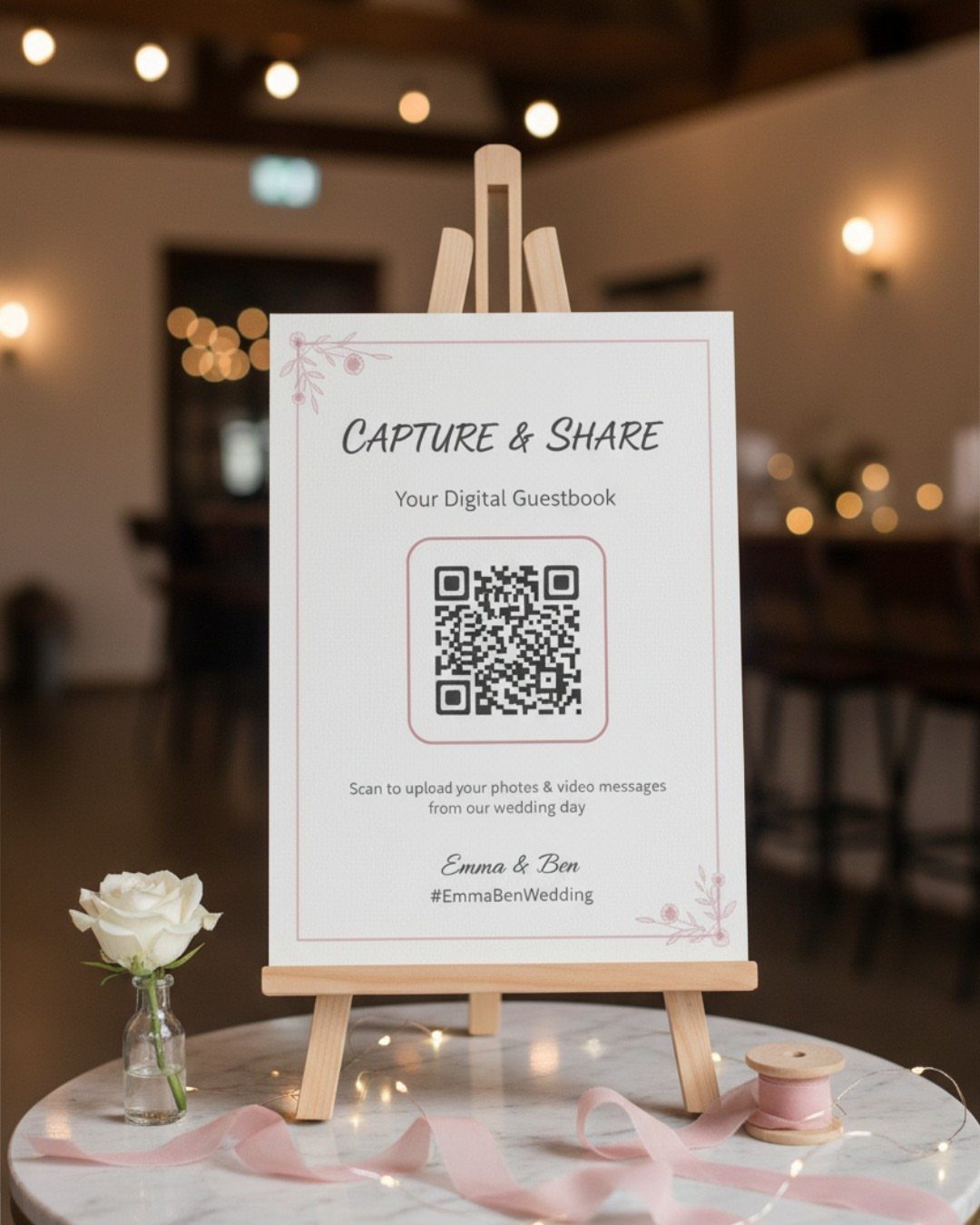
A QR code on a sign or table card turns every guest’s phone into a photo collector, with no app to download and no one to hand a memory card to afterward.
Pair the code with a short hashtag so guests have a second way in if their camera won’t scan.
Put the code where people linger: the cocktail hour table, the bar, each place setting.
It costs little to print, which suits a tight budget. Test the scan yourself on a phone before you order a stack of cards.
2. Digital Guestbook
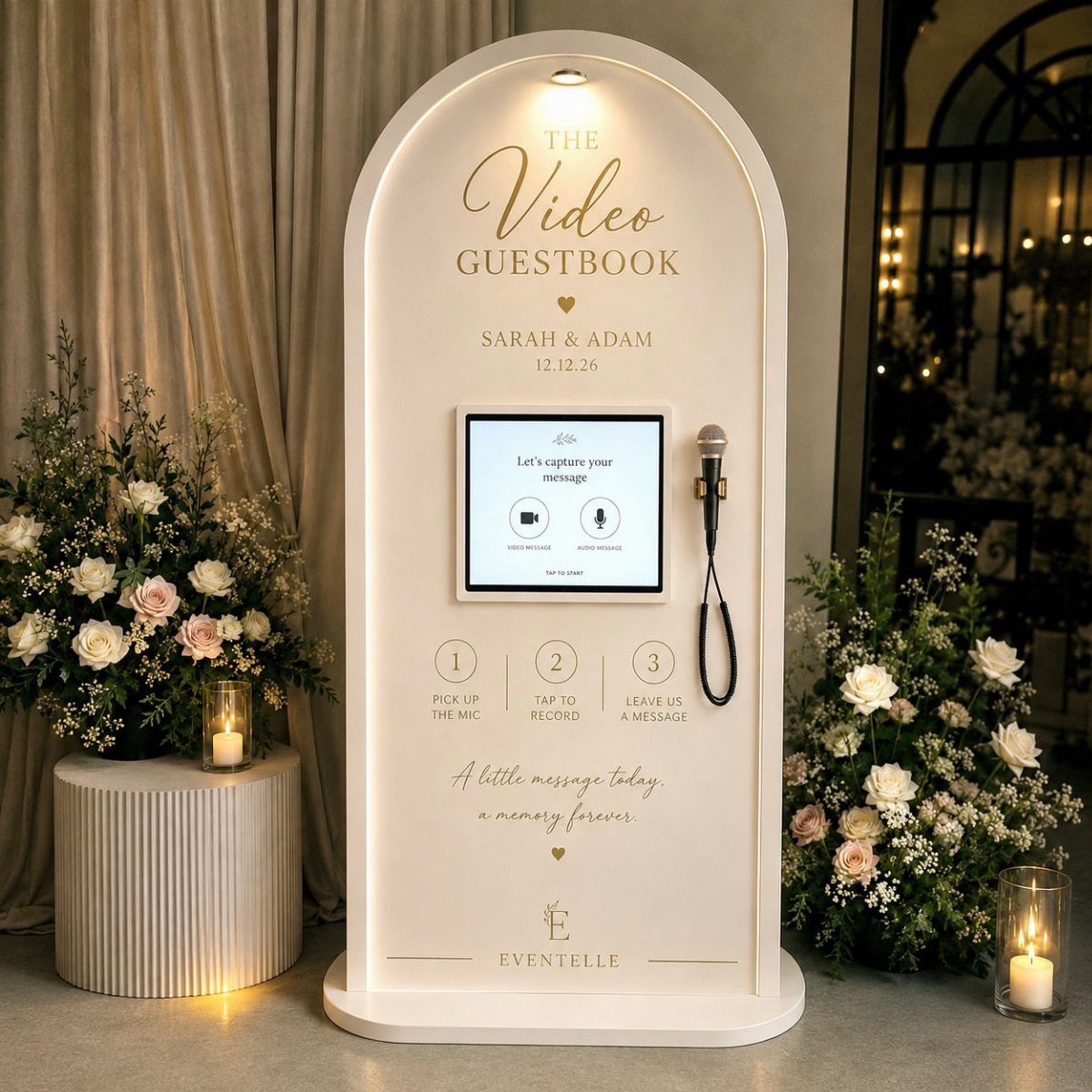
Written notes and video messages are what a digital guestbook adds, and I would pick it over a plain photo upload if you want to hear your guests’ voices years from now.
A kiosk with a screen and microphone lets guests record a video message in about a minute, no app or typing required.
Placement matters: put it somewhere quiet, away from the speakers, so the audio stays clear. A kiosk like this is a bigger commitment than a printed card, so price it against your budget before you fall for the look.
3. Instant Camera Guestbook Station
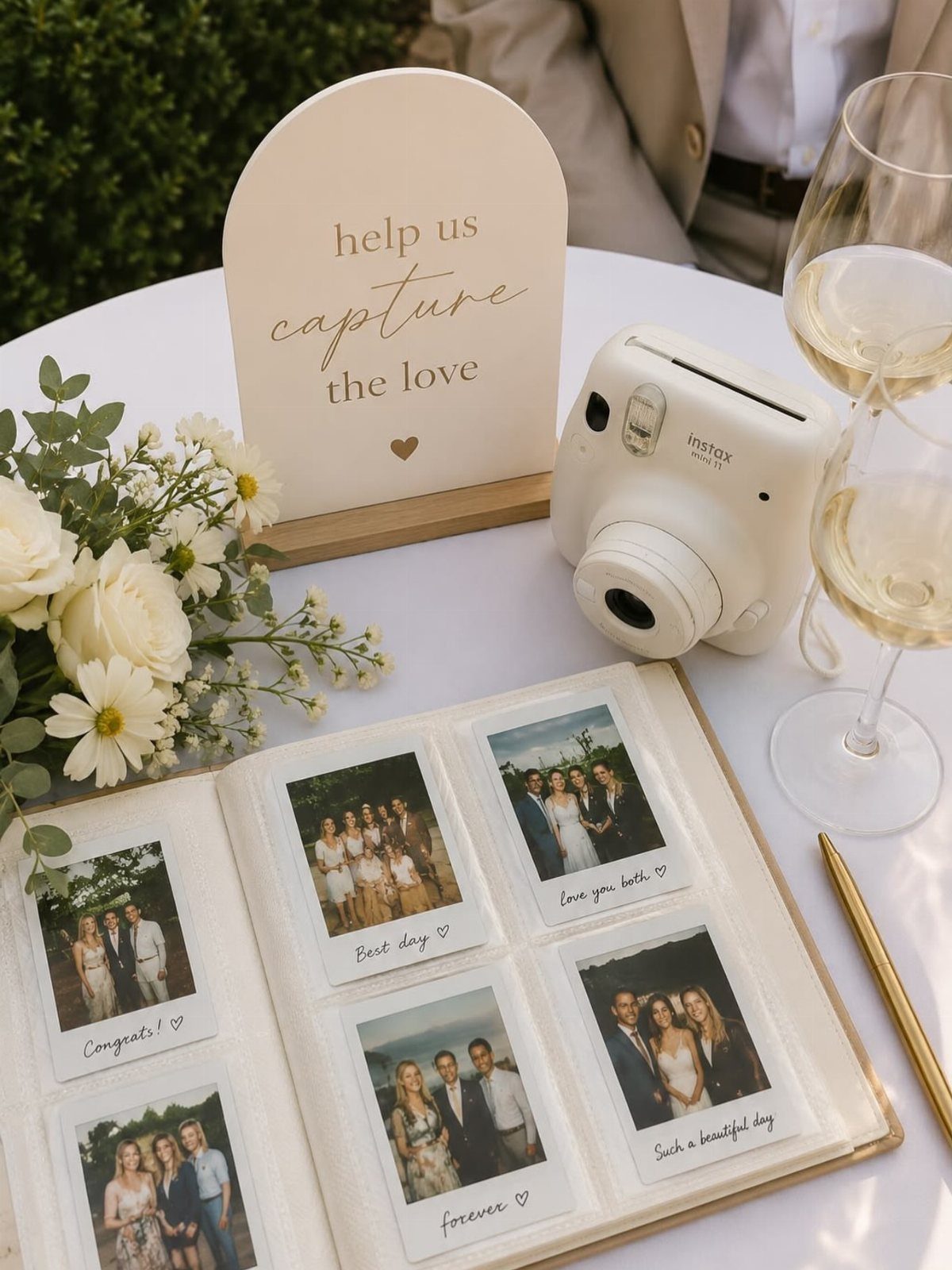
Guests snap a photo, paste it into the book, and write a note beside it. That is the whole idea, and it gives you a guestbook full of candid pictures plus handwriting you will want to keep.
Add a sign with a simple prompt, like "Take one, leave one," so nobody stands there wondering what to do.
Pens, tape or photo glue, and extra film are the supplies I would set out. Instant film adds up fast, so buy more than you think you need.
4. Printed Photo Display Panels
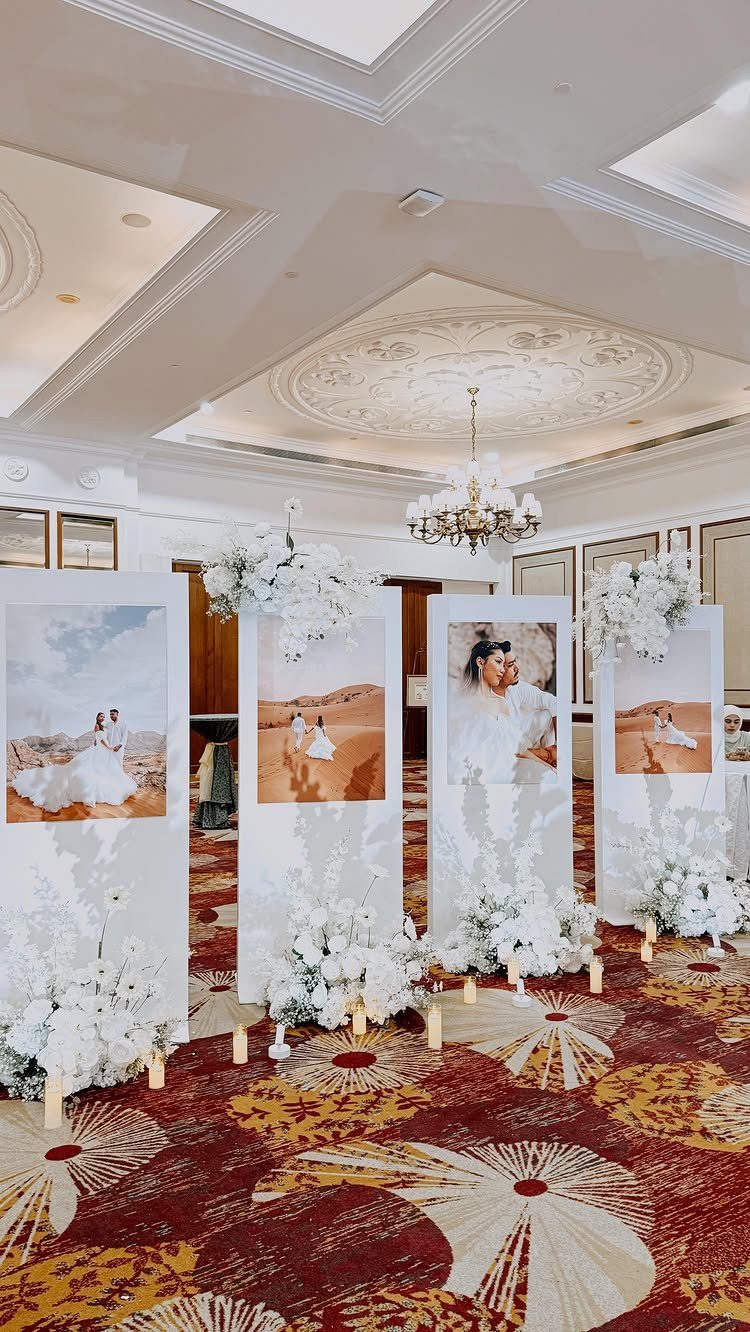
Printed photos on large freestanding panels give guests something to look at between courses, and they work best when the pictures tell your story as a couple.
Display boards in white keep the focus on the prints, and a few flower arrangements at the base soften the edges.
Choose panels that stand without a wall, so you can place them near the entrance or along the walkway to the reception.
Prints and panels cost more than a QR sign, so I would pick this only if the budget has room.
How to Encourage Guest Participation
Guests forget in the middle of a party, so the reminder has to reach them more than once. Put the link or code on the invitation, so people arrive already knowing the plan, then repeat it in the room.
A sign that gives a reason works better than a bare code.
Pick a link that needs no login. Grandparents and tech-savvy friends should both be able to scan or tap and start uploading photos and videos from their own phones.
Have the DJ or emcee mention it once, ideally right after dinner when phones are already out.
Tips for Using QR Codes
Where the code sits decides how many photos land in your gallery, so put it in places guests are already looking.
A sign at the exit of the ceremony catches the back rows, which see angles your photographer never will. By the dance floor speakers, the code reaches guests catching their breath between songs.
Guests who have used it once will treat uploading as routine on the wedding day.
Design matters too. A code that looks like a tech booth feels awkward, so match the sign’s colors, fonts and paper stock to your invitations and other stationery.
Comparing Photo Sharing Methods
A group chat looks like the free, easy option, and I would skip it.
A group text squeezes photos down to phone-screen quality, buries them among chatter and newer messages, and shuts out guests on a different platform, like iMessage versus Android. Afterward you save photos one by one.
A dedicated photo app keeps originals, sorts uploads by time in one private gallery, and lets you download in batches. It works on any phone.
Social hashtags have their own flaw: people post for likes, not real moments, and plenty of relatives use the tag wrong.
Disposable cameras can cost around $200 to develop, often for blurry shots of thumbs. Asking everyone to "just text me your photos" means months of chasing people down later.
Whatever you choose, make it the one that asks the least of your guests.
Frequently Asked Questions
What is the best way to share wedding photos?
A dedicated photo app with a QR code or link wins for me.
A shared QR-code gallery holds photos at full resolution, files them in the order they were taken, keeps everything private, and lets you save a whole batch at once from any phone.
Texting photos to a group squeezes the files down, loses them under the replies, and leaves out anyone whose phone uses a different messaging app.
Do guests need to download an app to upload photos?
No.
Most platforms let guests upload from a phone browser by scanning a QR code or tapping a link. That matters for grandparents and anyone short on phone storage.